
How to View Supplementary Information in Reader
< 1 min read
If an article has supplemental files available, you’ll see a number in the top-left menu bar indicating the total number of available files. Follow these steps to access them:
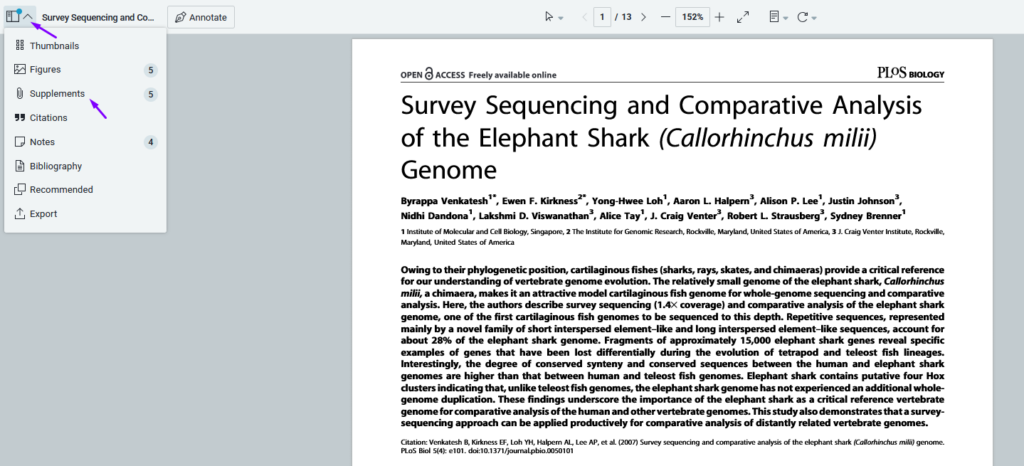
- Open the Supplemental Files Panel
- Click the icon to view a panel listing all available supplemental files.
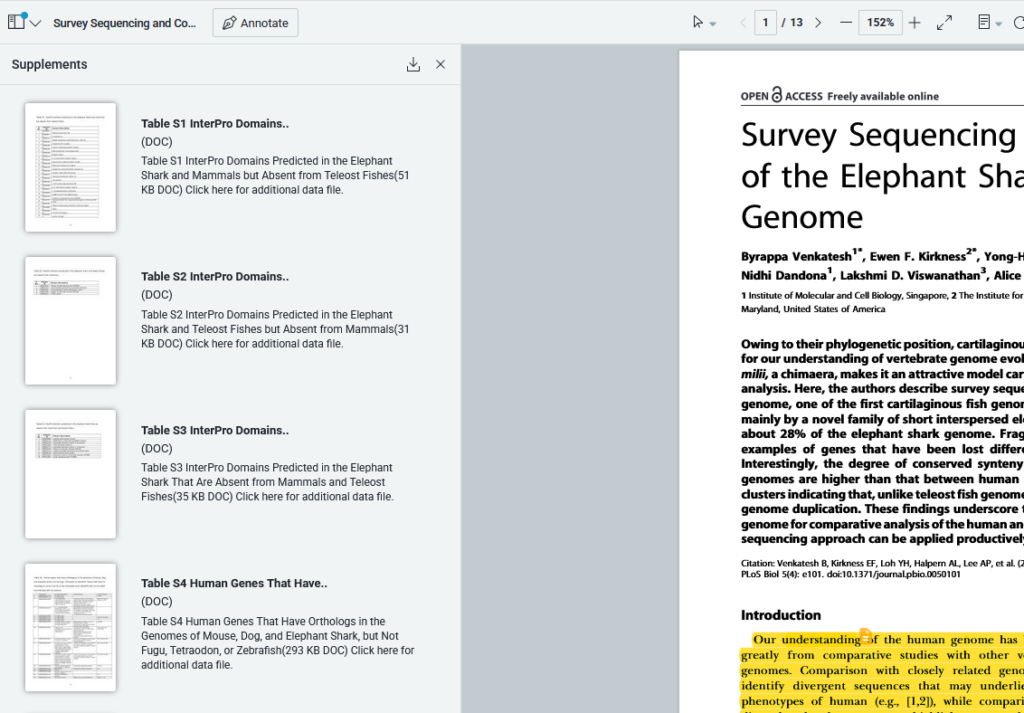
- Access the Files
- Click on any file in the panel to open it directly in the Reader.
This feature makes it easy to review and manage additional research materials included with your articles.


